PAYMENTS
Via PayPal
Thank you so much for your purchase and any payments you have already made. We now accept PayPal payments. This page provides and easy way to pay us directly through PayPal. You do not need an existing PayPal account to use this information.
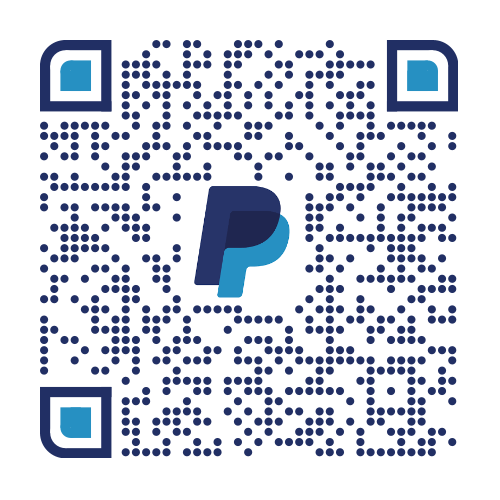
To make your payment, below, either use the payment panel – or scan our QR code at bottom.
To use the payment panel:
- Enter your Piece name or Invoice number in the first field. If you’re not sure about either of these, please enter any information you have. The field accepts up to 127 characters of info. This helps ensure we know you have paid for the right item(s).
- Enter your payment amount.
- Click PayPal or Venmo button. An official PayPal window will pop up.
- Either sign-in via this panel, to an existing PayPay account or click “Pay with Debit or Credit Card” button at the bottom of the pop-up window to simply use your card.
You should receive an emailed receipt from PayPal if you entered your email address correctly in the panel. Please check any spam folders. If no receipt is found, please reach out to us and we’ll investigate. Thank you!
If you prefer, instead of the panel above, you may use the QR code below to be directed to the PayPal website and our payment portal. Scan the code using your mobile phone camera or QR reader app, go to PayPal site icon that pops up, then enter amount and any info (invoice and/or piece name) in the Info/Note field.
Be sure you’ve confirmed and completed the entire transaction before closing the panel. Thank you!